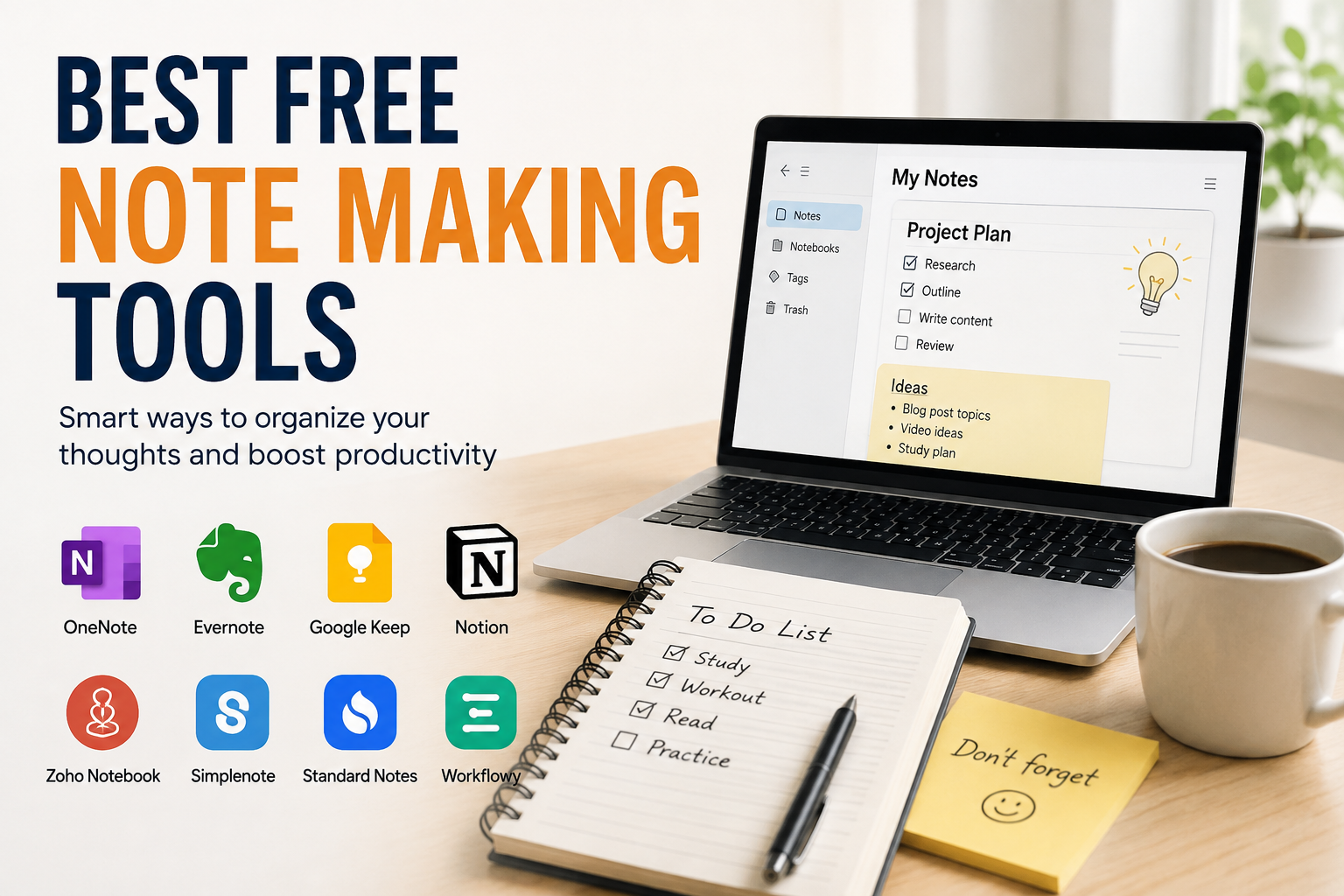
Taking notes has always been one of the most important parts of learning. Whether I am studying for exams, attending online classes, reading books, or watching educational videos, I have realized that good notes help me remember information for a much longer time. In the past, I used notebooks for everything, but now I prefer digital note making tools because they are faster, easier to organize, and accessible from almost anywhere.
The best part is that many excellent note making tools are completely free. You do not need to spend money to create organized notes, save important ideas, or prepare study material. Over time, I have tried several free note making apps and websites, and I found that each one has something unique to offer. The right choice depends on your study style and personal preferences.
In this article, I will share some of the best free note making tools that students, teachers, and professionals can use without paying anything. These tools can make studying easier and help you stay organized throughout your learning journey.
Why Digital Note Making Is Better
Digital notes have become popular because they save time and make information easier to manage. Instead of carrying multiple notebooks, I can keep everything in one place. If I need to find a topic, I simply use the search feature instead of turning hundreds of pages.
Another advantage is that digital notes can include images, links, videos, tables, and even voice recordings. This makes learning more interactive and helps explain difficult topics more clearly.
Most note making tools also save data automatically, reducing the risk of losing important information.
Google Keep
Google Keep is one of the easiest note making tools available today. I recommend it to beginners because the interface is clean and simple. You can create quick notes, checklists, reminders, and color coded categories within seconds.
One feature I like the most is that everything is synced with your Google account. This means I can create a note on my phone and continue editing it later on my laptop.
Google Keep is ideal for students who need short notes, daily study plans, revision points, and task lists.
Microsoft OneNote
Microsoft OneNote is one of the most powerful free note making applications. It feels like having a digital notebook where every subject can have its own section and pages.
I enjoy using OneNote because it allows typing, handwriting, inserting pictures, tables, PDFs, and even audio recordings. Students who attend lectures can record important explanations while writing notes at the same time.
The organization system is excellent, making it suitable for school, college, university, and professional work.
Notion
Notion has become one of the most popular productivity tools in recent years. Although it offers paid plans, the free version is enough for most students.
What makes Notion different is its flexibility. You can create notes, study planners, project trackers, reading lists, revision schedules, and personal journals all in one place.
I especially like how everything can be connected using links and databases. This keeps study material organized without creating unnecessary confusion.
If you enjoy customizing your workspace, Notion is a fantastic option.
Evernote Free
Evernote has been helping people organize their notes for many years. The free version offers enough features for regular users who want a reliable note making application.
I find Evernote useful because it supports images, documents, scanned papers, and handwritten notes. The search feature is also impressive since it helps locate information quickly.
Although the free version has some limitations, it still provides a great experience for students who want organized digital notes.
Obsidian
Obsidian is a unique note making tool designed for people who love connecting ideas. Instead of keeping every note separate, Obsidian allows you to link related topics together.
For example, if I create notes about biology and another note about human anatomy, I can connect both pages with simple links. This creates a network of knowledge that becomes easier to understand over time.
Obsidian stores notes on your own device, giving you complete control over your files. This is one reason why many researchers and writers prefer using it.
Simplenote
As the name suggests, Simplenote focuses on simplicity. It does not include unnecessary features that may distract users.
Whenever I need to write quick ideas or simple class notes, Simplenote works perfectly. It loads quickly, syncs across devices, and provides a distraction free writing environment.
If your priority is speed and ease of use, this tool is worth trying.
Zoho Notebook
Zoho Notebook offers a beautiful design while remaining completely free for personal use.
One thing I appreciate is its colorful notebook style. You can organize different subjects using separate notebooks, making it easier to keep study material neat and structured.
It also supports voice notes, photos, sketches, checklists, and document attachments.
Students who enjoy visually appealing applications will likely enjoy using Zoho Notebook.
Joplin
Joplin is an open source note making tool that values privacy and flexibility.
Unlike many cloud based applications, Joplin allows users to store their notes locally or synchronize them with supported cloud services.
It supports Markdown formatting, file attachments, and encrypted notes for extra security.
I recommend Joplin for users who want complete ownership of their notes while enjoying advanced features.
Apple Notes
If you use an iPhone, iPad, or Mac, Apple Notes is already available without any additional cost.
Despite being simple, it includes many useful features like folders, checklists, document scanning, handwriting support, and password protected notes.
Everything syncs automatically through iCloud, making it easy to switch between Apple devices.
For Apple users, this is one of the best free note making solutions.
How to Choose the Right Note Making Tool
Every student studies differently, so there is no single tool that works perfectly for everyone.
If you only need quick notes and reminders, Google Keep is an excellent choice.
If you want detailed lecture notes with images and files, Microsoft OneNote offers more flexibility.
Students who love planning and organizing projects may find Notion the most useful.
If privacy is your priority, Obsidian and Joplin are excellent alternatives.
Before choosing one application, I suggest testing two or three options for a week. After using them regularly, you will naturally discover which one matches your learning style.
Tips for Better Digital Notes
Using a good application is only the first step. The quality of your notes depends on how you organize information.
Always create separate folders or notebooks for each subject. This prevents confusion during exam preparation.
Use headings and subheadings so topics remain easy to understand.
Highlight important definitions and formulas instead of making everything colorful.
Keep your notes short and focus only on key concepts rather than copying entire chapters.
Review your notes regularly because repeated revision improves memory much more than writing alone.
Whenever possible, add diagrams, screenshots, or images to explain difficult concepts. Visual learning often helps students remember information faster.
Finally, back up your notes regularly if the application allows cloud synchronization. Losing months of hard work can be frustrating.
Benefits of Using Free Note Making Tools
There are many reasons why students are moving from traditional notebooks to digital note making applications.
These tools save time by allowing faster typing and editing.
They reduce paper usage, making them environmentally friendly.
Searching for information becomes almost instant.
Most applications synchronize across multiple devices, allowing students to study anywhere.
Many tools also support collaboration, making group projects and shared class notes much easier.
Another important benefit is that digital notes can be updated anytime without rewriting entire pages. This saves effort and keeps study material accurate.
Common Mistakes to Avoid
Many students make digital notes but still struggle during revision because they create overly long documents.
Avoid writing unnecessary information.
Do not keep all subjects in one notebook.
Review your notes frequently instead of forgetting them after writing.
Use meaningful titles so topics can be found quickly.
Most importantly, do not depend entirely on copying information. Try writing concepts in your own words because this improves understanding and memory.
Final Thoughts
Free note making tools have completely changed the way students learn and organize information. Instead of filling shelves with notebooks, it is now possible to keep years of study material safely stored on a phone, tablet, or computer.
From my experience, choosing the right application depends on your personal learning style rather than the number of features it offers. Some students prefer the simplicity of Google Keep, while others enjoy the advanced organization of OneNote or the flexibility of Notion. Privacy focused users may prefer Obsidian or Joplin, while Apple users already have an excellent built in solution through Apple Notes.
The good news is that all of these tools offer valuable features without requiring any payment. By selecting the one that matches your needs and maintaining consistent study habits, you can create well organized notes that make revision easier and improve your overall learning experience.
In the end, the best note making tool is the one you actually use every day. Stay consistent, keep your notes organized, and you will notice a significant improvement in your productivity and academic performance.