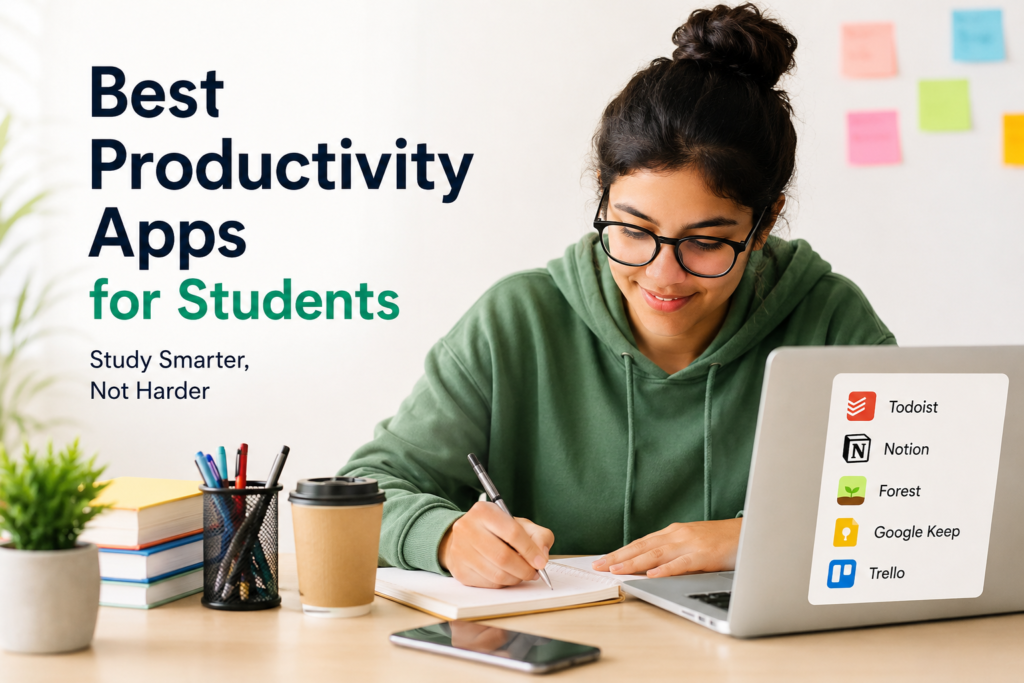
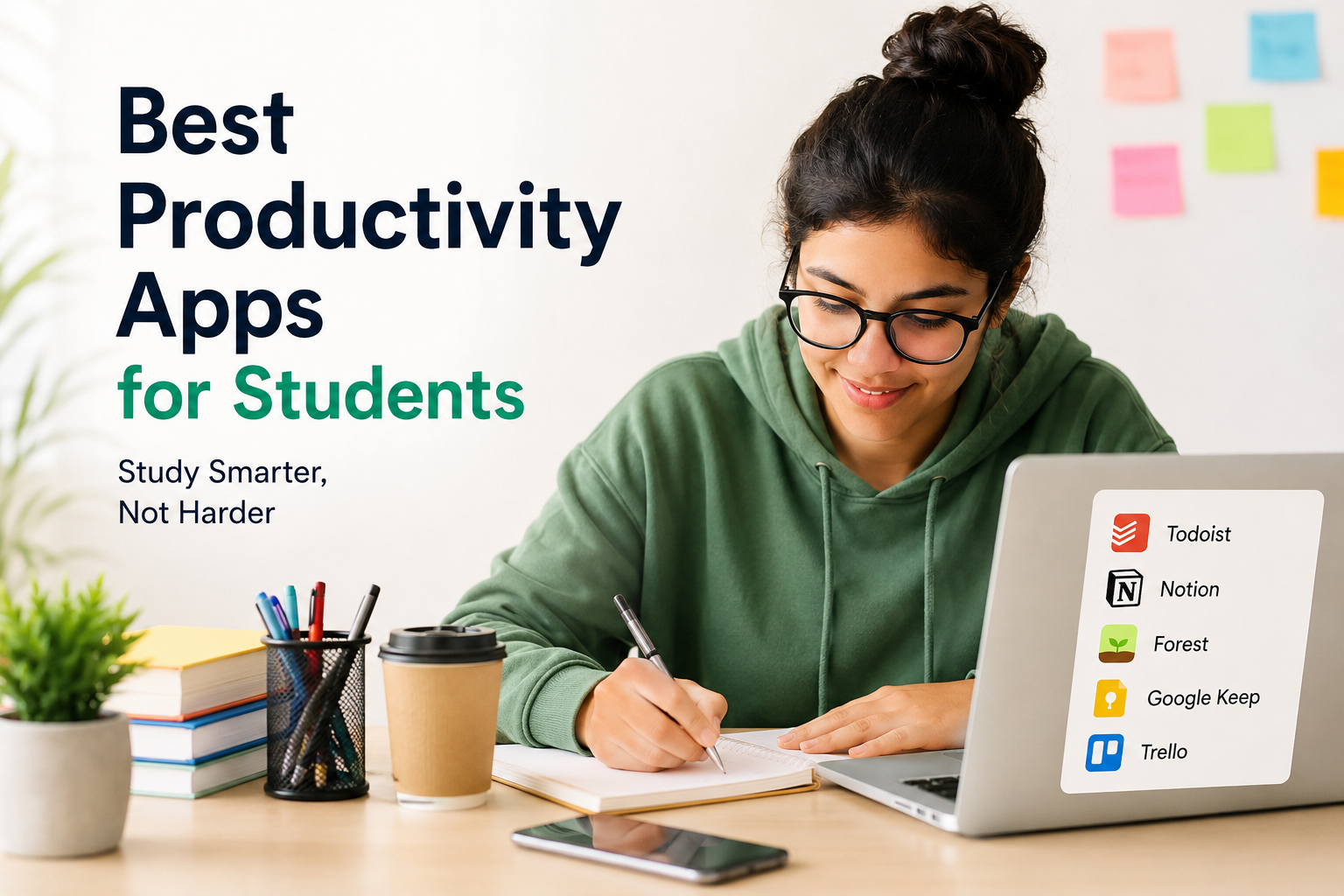
Student life is exciting, but it also comes with many responsibilities. Every day we have to attend classes, complete assignments, prepare for exams, manage projects, and still find time to relax. I believe that studying smart is much better than studying for long hours. This is where productivity apps become incredibly helpful.
Over the last few years, I have explored different productivity apps to improve my study routine. Some helped me organize my notes, while others kept me focused during study sessions. The best part is that many of these apps are free or offer enough features without requiring a paid subscription.
In this article, I will share the best productivity apps for students that can make studying easier, improve time management, and help you stay organized throughout the academic year.
Why Productivity Apps Matter
Many students struggle because they forget deadlines, lose important notes, or spend too much time on distractions. Productivity apps solve these problems by helping you plan your day and keep everything in one place.
Instead of carrying multiple notebooks or sticky notes, you can manage your academic life directly from your phone, tablet, or laptop. These apps also save time, reduce stress, and help you focus on what really matters.
Notion
Notion is one of my favorite productivity apps for students. It combines note taking, task management, planning, and project organization into one platform.
Students can create class notes, assignment trackers, revision schedules, and daily planners. Everything stays organized, and you can easily find your information whenever you need it.
Another great feature is the availability of ready made templates. Even if you are new to the app, you can quickly create a study planner without spending much time setting it up.
Google Keep
Google Keep is perfect for students who like keeping quick notes. Whenever I get a new idea or remember something important, I immediately save it in Google Keep.
The app allows you to create notes, checklists, voice recordings, and reminders. Everything automatically syncs across your devices, making it easy to access your notes from anywhere.
Its simple interface makes it ideal for students who do not want complicated features.
Microsoft OneNote
Microsoft OneNote is an excellent digital notebook for students. It allows you to organize notes into different notebooks and sections according to your subjects.
One feature I really appreciate is the ability to insert images, handwritten notes, tables, and even audio recordings. This makes studying much more interactive.
Students who use Windows laptops often find OneNote to be a natural part of their study routine because it integrates well with Microsoft Office.
Google Calendar
Managing time is one of the biggest challenges for students. Google Calendar makes scheduling simple and effective.
I use it to mark exam dates, assignment deadlines, online classes, and study sessions. Setting reminders ensures that I never forget important events.
Color coding different subjects also helps keep everything visually organized.
Todoist
Todoist is a powerful task management app that keeps your daily work under control.
Students can create tasks, organize projects, set deadlines, and prioritize assignments. The satisfaction of checking completed tasks motivates me to stay productive every day.
Its clean design makes planning easy without feeling overwhelming.
Forest
Forest is one of the most unique productivity apps available today.
Whenever you start a study session, you plant a virtual tree. As long as you stay focused and avoid using distracting apps, the tree continues growing. If you leave the app, the tree dies.
This simple concept surprisingly works very well. It encourages students to avoid social media and stay focused during study hours.
I personally find it very motivating because every successful session helps grow a virtual forest.
Evernote
Evernote has been popular among students for many years.
The app allows you to create detailed notes, organize notebooks, save web articles, attach PDFs, and even scan handwritten documents.
Students working on research projects can store everything in one place, making information easy to access whenever needed.
Its search function is also very impressive because it quickly finds specific notes even if you have hundreds stored.
Trello
Trello is an excellent productivity tool for students working on group projects.
Instead of sending endless messages to classmates, everyone can organize tasks using visual boards.
Each task can include deadlines, comments, attachments, and progress updates.
Whether you are preparing a presentation or completing a semester project, Trello keeps everyone on the same page.
Grammarly
Writing assignments requires good grammar and clear communication.
Grammarly helps students identify grammar mistakes, spelling errors, punctuation issues, and awkward sentences.
I always use Grammarly before submitting essays because it improves the overall quality of my writing.
While it should not replace learning grammar, it serves as an excellent editing assistant.
Google Drive
Losing important assignments is every student’s nightmare.
Google Drive automatically stores documents in the cloud, making them available from any device.
Students can save presentations, notes, PDFs, spreadsheets, and research papers without worrying about losing their files.
Sharing documents with classmates and teachers is also extremely convenient.
Microsoft To Do
Microsoft To Do is another useful task management app.
It helps students create daily task lists, organize assignments, and receive reminders for upcoming deadlines.
Its simple design makes it easy to use, even for beginners who have never tried productivity apps before.
Focus To Do
Focus To Do combines task management with the Pomodoro Technique.
The Pomodoro method encourages students to study for twenty five minutes followed by a short break.
I have found this method especially useful during exam preparation because it keeps my mind fresh while maintaining consistent productivity.
The app also tracks completed sessions, allowing students to monitor their progress over time.
Canva
Although Canva is mainly known as a graphic design platform, it is also incredibly useful for students.
Students can create presentations, posters, reports, infographics, and classroom projects with professional looking designs.
The drag and drop editor makes designing easy even for beginners.
Many educational templates are available for free, making academic work more attractive and engaging.
Adobe Scan
Instead of carrying piles of papers, students can scan documents using Adobe Scan.
The app converts handwritten notes, worksheets, and printed pages into high quality PDF files.
This is especially useful for sharing notes with classmates or storing important documents digitally.
ChatGPT
Artificial intelligence has become a valuable learning companion for students.
ChatGPT helps explain difficult concepts, summarize information, generate study ideas, solve practice questions, and improve writing.
I believe students should use AI as a learning assistant rather than relying on it to complete all their work. When used responsibly, it can save time and improve understanding.
How to Choose the Right Productivity App
Not every student has the same study style, so choosing the right productivity app depends on your personal needs.
If you struggle with organization, apps like Notion or OneNote are excellent choices.
If time management is your biggest challenge, Google Calendar and Todoist can help.
Students who easily get distracted may benefit from Forest or Focus To Do.
Those working on writing assignments should definitely consider Grammarly.
Instead of installing many apps at once, start with two or three that solve your biggest problems.
Tips for Using Productivity Apps Effectively
Productivity apps only work if you use them consistently.
Create a daily study routine and stick to it.
Update your task list every morning.
Set realistic goals instead of creating an overwhelming schedule.
Review your calendar regularly.
Back up important notes in cloud storage.
Turn off unnecessary notifications while studying.
Use focus timers during revision sessions.
Review your completed tasks every week to measure your progress.
Small daily improvements eventually lead to significant academic success.
Final Thoughts
Productivity apps have completely changed the way students learn and manage their studies. Instead of feeling stressed about deadlines and unfinished work, students can stay organized, focused, and motivated throughout the semester.
From planning assignments with Notion and Todoist to staying focused with Forest and improving writing with Grammarly, each app offers unique benefits that make student life easier.
In my experience, the best productivity app is not necessarily the one with the most features. It is the one that fits naturally into your daily routine and helps you stay consistent. By choosing the right tools and using them wisely, you can improve your study habits, save valuable time, reduce stress, and achieve better academic results.