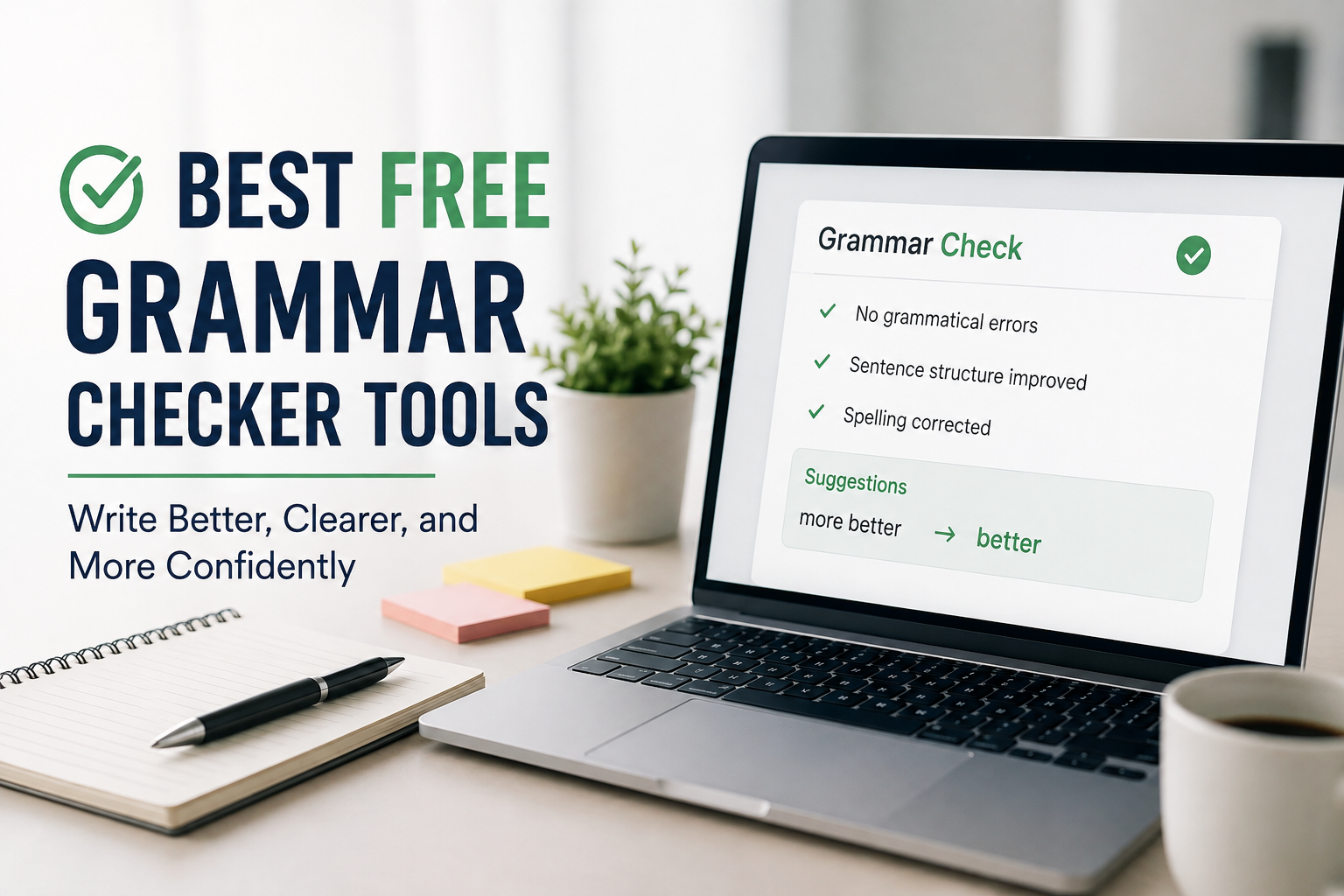
Writing in English is not always easy, especially for students, bloggers, freelancers, and beginners. Even if you have good ideas, small grammar mistakes can reduce the quality of your writing. I have personally noticed that grammar errors can make a well written article look unprofessional. That is why I always recommend using a good grammar checker before publishing or submitting any content.
The good news is that you do not have to spend money to improve your writing. Many free grammar checker tools are available online, and they are powerful enough for everyday writing tasks. Whether you are writing an assignment, blog post, email, or social media caption, these tools can help you write with more confidence.
In this article, I will share some of the best free grammar checker tools that I believe every student and writer should know about. I have also included their main features, advantages, and the reasons why I think they are worth using.
Why Grammar Matters
Good grammar is more than just following English rules. It helps people understand your ideas clearly. If your writing contains too many grammar mistakes, readers may lose interest or misunderstand your message.
I always try to check my grammar because it gives my writing a professional touch. It also increases confidence when sending emails, applying for scholarships, publishing blog posts, or submitting school assignments.
Using a grammar checker does not mean your English is weak. Even experienced writers and professional editors use these tools to catch mistakes they might miss.
Grammarly Free
Grammarly is probably the most popular grammar checking tool available today. I have used it many times, and I find it very useful for daily writing tasks.
The free version checks grammar mistakes, spelling errors, punctuation problems, and basic sentence clarity. It also explains why a correction is suggested, which helps improve your English over time.
One feature I really like is the browser extension. It automatically checks grammar while writing emails, Google Docs, and social media posts.
Although the premium version offers advanced suggestions, I believe the free version is enough for most students and beginner writers.
LanguageTool
LanguageTool is another excellent free grammar checker that deserves attention. One thing I appreciate about this tool is that it supports multiple languages in addition to English.
The interface is simple and clean. You can paste your text into the editor and receive grammar corrections within seconds.
LanguageTool also identifies punctuation mistakes, repeated words, and style issues. It even catches some errors that other free grammar checkers may overlook.
If you write in different languages, this tool is definitely worth trying.
QuillBot Grammar Checker
Many people know QuillBot because of its paraphrasing tool, but its free grammar checker is also very helpful.
I like using QuillBot when I want a quick review of my writing. It detects grammar errors, spelling mistakes, and punctuation problems almost instantly.
The website is easy to navigate, and you do not need advanced technical knowledge to use it.
Students who already use QuillBot for rewriting paragraphs will find the grammar checker equally useful.
Ginger Software
Ginger Software has been helping English learners for many years. The free version offers grammar checking, spelling correction, and sentence improvement.
One thing that stands out is its sentence rephrasing feature. Sometimes my sentences sound awkward, and Ginger suggests better alternatives that improve readability.
The tool also works with different devices, making it convenient whether you are using a computer or a smartphone.
ProWritingAid Free
ProWritingAid is another excellent grammar checker, especially for people who enjoy writing long articles.
The free version checks grammar, spelling, readability, and writing style. It also provides useful reports that explain your writing habits.
I personally think this tool is great for bloggers because it helps improve overall writing quality instead of simply fixing grammar mistakes.
Although there are some usage limits in the free version, it still provides valuable feedback.
Scribens
Scribens is a free online grammar checker that often goes unnoticed. However, I believe it is one of the hidden gems for English writers.
It checks grammar, spelling, punctuation, and sentence structure. It also highlights repeated words and suggests vocabulary improvements.
The best part is that the interface is straightforward, making it suitable for beginners.
If you want a free alternative to premium grammar software, Scribens is worth exploring.
Hemingway Editor
Hemingway Editor is slightly different from traditional grammar checkers. Instead of focusing only on grammar, it helps improve readability.
I often use it after finishing an article because it highlights long sentences, difficult words, passive voice, and unnecessary adverbs.
The goal is to make your writing clear and easy to understand.
For bloggers and content creators, readability is just as important as grammar, which is why I think Hemingway Editor is an excellent companion tool.
Reverso Grammar Checker
Reverso is well known for translations, but it also provides a useful grammar checking feature.
The tool quickly identifies grammar mistakes and spelling errors while offering simple explanations.
I find it particularly useful for students who are still learning English because the suggestions are easy to understand.
Its clean design makes the editing process fast and comfortable.
OnlineCorrection
OnlineCorrection is a simple website that focuses entirely on grammar correction.
You just paste your text, click the check button, and receive highlighted corrections.
While it may not have the modern design of other tools, it still performs well for basic grammar checking.
If you need a lightweight tool without creating an account, this is a good option.
GrammarCheck
GrammarCheck is another free online grammar checking platform that works directly in your browser.
It identifies grammar mistakes, punctuation issues, spelling errors, and common writing problems.
I like its simplicity because there are no complicated menus or unnecessary features.
It is perfect for quick proofreading before submitting assignments or publishing articles.
How to Choose the Right Grammar Checker
Not every grammar checker is suitable for every writer. I usually choose my tool based on the type of work I am doing.
If I am writing a blog post, Grammarly and Hemingway Editor work very well together.
For assignments, LanguageTool and QuillBot Grammar Checker provide reliable corrections.
When writing longer articles, ProWritingAid gives more detailed feedback that helps improve overall quality.
The best approach is to test a few tools and decide which one matches your writing style.
Tips for Using Grammar Checkers Effectively
Grammar checking tools are very helpful, but they should not replace your own thinking.
I always read my article carefully before using any grammar checker. This helps me identify obvious mistakes on my own.
After receiving suggestions, I never accept every correction automatically. Sometimes grammar tools misunderstand the context or suggest changes that make the sentence sound unnatural.
Reading your article aloud is another simple trick that helps catch awkward sentences.
The combination of careful proofreading and grammar checking software usually produces the best results.
Advantages of Free Grammar Checkers
There are many reasons why I recommend free grammar checking tools.
They save time while editing.
They improve writing quality.
They reduce spelling mistakes.
They make writing more professional.
They help students learn grammar naturally.
They increase confidence before submitting important documents.
Most importantly, they are available without paying anything, making them accessible to everyone.
Are Free Grammar Checkers Enough
In my opinion, the answer is yes for most people.
Students, bloggers, freelance writers, and beginners can complete most writing tasks using free grammar checkers.
Premium versions offer advanced style suggestions, plagiarism detection, and vocabulary improvements, but these features are not essential for everyone.
If your goal is to write clean, understandable English, the free versions are usually more than enough.
Final Thoughts
Finding the right grammar checker can make a huge difference in your writing journey. I believe every student and content creator should use at least one grammar checking tool before publishing or submitting their work.
Among all the options, Grammarly, LanguageTool, QuillBot Grammar Checker, ProWritingAid, Ginger Software, Scribens, Hemingway Editor, Reverso, OnlineCorrection, and GrammarCheck are some of the best free choices available today.
Each tool has its own strengths, and there is no single perfect option for everyone. I recommend trying several of them and seeing which one fits your writing style the best.
At the end of the day, grammar checkers are not meant to replace your creativity. They simply help you present your ideas in a clearer and more professional way. If you combine regular practice with these free tools, your English writing skills will continue to improve, and you will become a more confident writer over time.